




Sorry, no results.
Please try another keyword
00:00
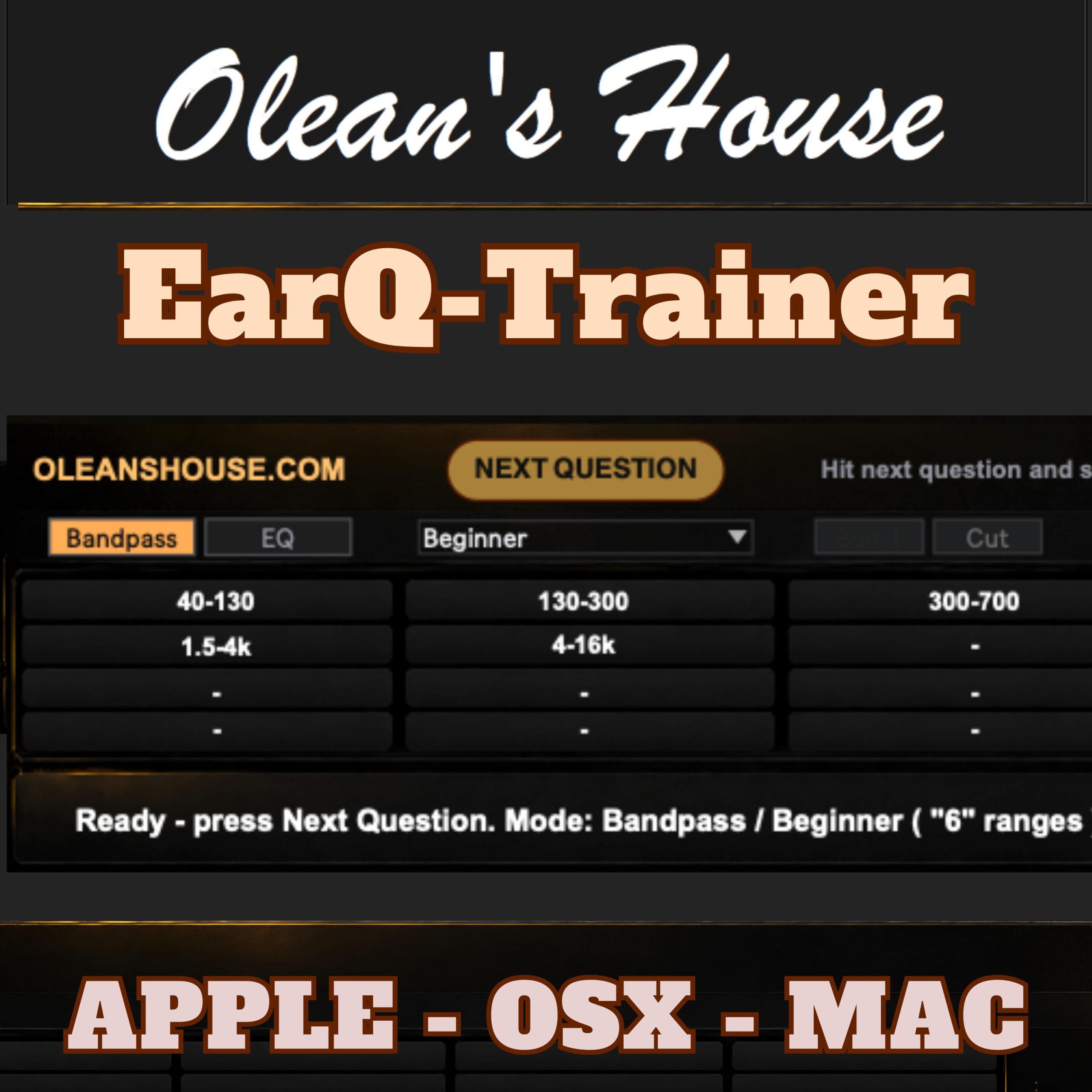
Train your ears using audio directly from your own DAW. Practise identifying frequency ranges, tonal changes and EQ boosts or cuts through focused Bandpass, EQ and Boost/Cut exercises.
The included VST3/AU Bridge processes your DAW audio while the standalone Olean’s House Ear Trainer app controls each exercise and provides immediate feedback, scores and streaks.
Compatible with Intel and Apple Silicon Macs running macOS 11 or later.
$11.88 incl. VAT

Hear frequencies. Recognise EQ changes. Make faster mixing decisions.
Olean’s House Ear Trainer is an interactive training tool designed for music producers who want to improve their critical listening skills using real audio from their own DAW.
Instead of training only with test tones or generic examples, you can load the included Olean’s House Bridge onto a track, group or master channel and practise with music you already know.
The standalone Ear Trainer app controls the exercise while the Bridge processes the audio directly inside your DAW.
What you can train
• Bandpass Training
Hear an isolated frequency range and identify where it sits in the spectrum.
• EQ Training
Develop your ability to recognise where tonal changes are happening.
• Boost/Cut Training
Identify both the affected frequency range and whether it has been boosted or reduced.
• Score and Streak Feedback
Track your answers during each session and stay motivated as your listening improves.
Train with your own audio
Insert Olean’s House Bridge on a DAW channel and practise using:
• complete mixes
• drum buses
• kick and bass channels
• synths and samples
• groups and return channels
• familiar reference tracks
Using familiar material helps you connect frequency values with the tonal characteristics you hear in real productions.
Simple DAW workflow
The app and Bridge communicate locally on your Mac.
Input Trim
The Bridge includes an Input Trim control from -24 dB to 0 dB. It is automatable and saved with your DAW project, allowing you to create suitable headroom when training with loud or mastered material.
Included formats
• Standalone macOS application
• VST3 Bridge
• Audio Unit Bridge
• PDF user manual
• Software licence
• Installation and troubleshooting documentation
System requirements
• macOS 11.0 or later
• Intel or Apple Silicon Mac
• A compatible VST3 or Audio Unit host
Licence
One purchase provides an indefinite licence for installation on any number of devices personally owned or controlled by the purchaser.
Commercial use is permitted. Licence transfers, sharing and redistribution are not permitted.